Free film filters for your photos
35 looks inspired by classic film, from Portra-style portraits to CineStill-style nights and Tri-X-style black and white. Try any of them on your own photo, free, right in your browser.
Try the film filtersFree · No login · Your photo stays on your device
Color film

P400Kodak Portra 400 styleSoft warm portrait film, creamy skin, pastel highlights

P160Kodak Portra 160 styleFinest grain, softest contrast, neutral warm skin

P400HFujifilm Pro 400H styleSoft warm pastel film, gentle contrast

EK100Kodak Ektar 100 styleVivid clean color, finest grain

G200Kodak Gold 200 styleGolden nostalgic consumer film, warm highlights

S400Fujifilm Superia 400 styleGreen shadows, cyan skies, punchy reds
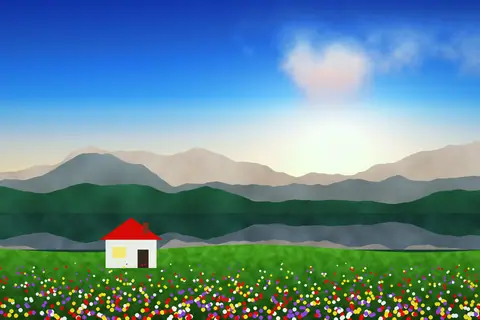
V50Fujifilm Velvia 50 styleMaximum saturation landscape slide film
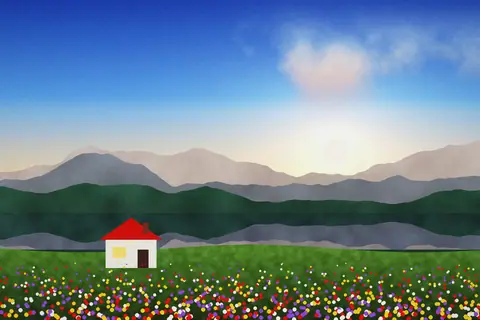
K64Kodachrome 64 styleRich reds, warm midtones, archival blacks

250DKodak Vision3 250D styleCinematic daylight movie film, wide latitude

SiennaNatural analog film, subtle warmth, slight fade
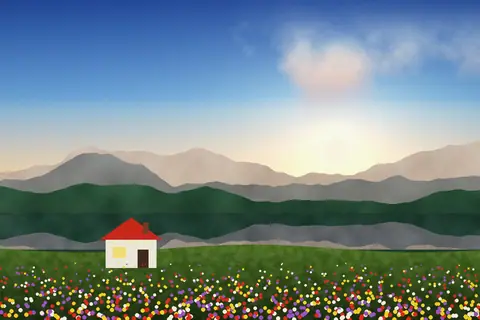
JetCrisp natural film, deep blacks
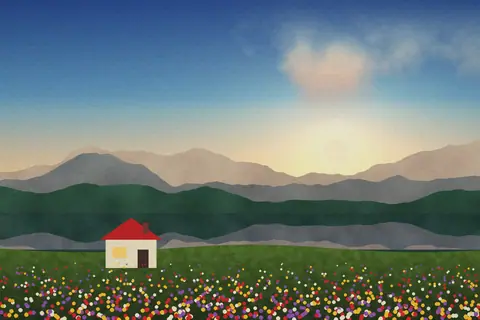
AmberGolden vintage film, yellow highlights
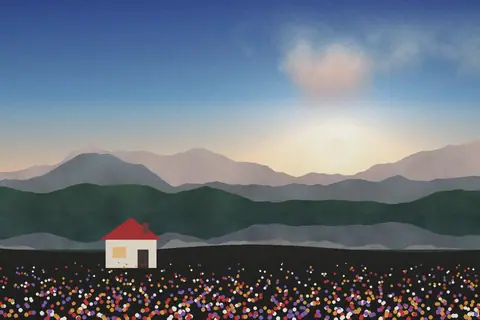
UmberFaded matte film, brown greens, cool shadows
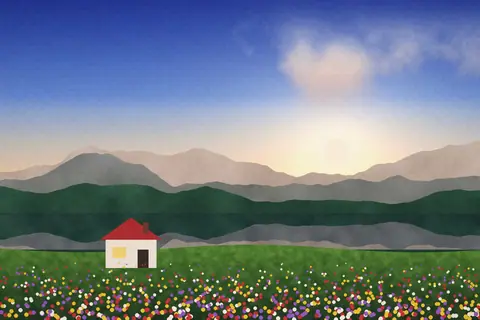
NegativeHard cinematic negative, teal shadows, warm highlights
Black and white
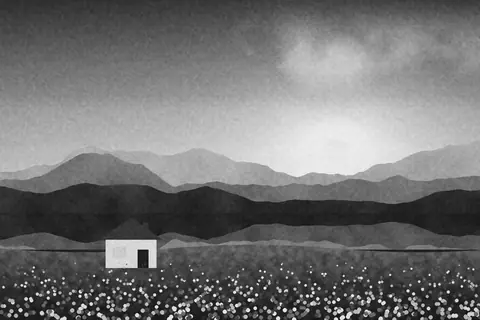
TX400Kodak Tri-X 400 styleGritty high-contrast black and white, coarse grain
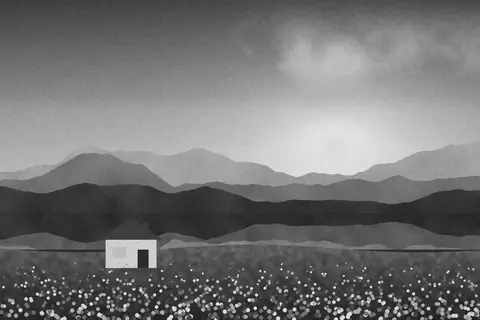
HP5Ilford HP5 Plus styleClassic reportage black and white, softer grain
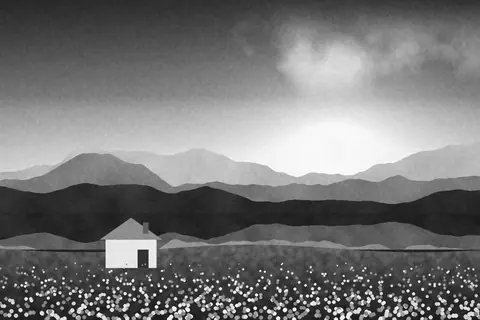
OnyxDramatic black and white, dark skies
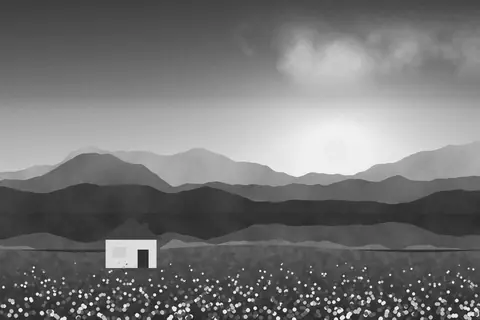
AshMatte black and white, darker midtones
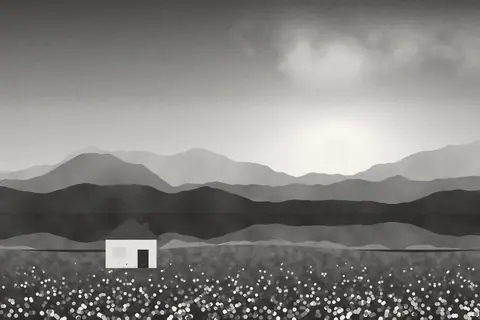
SeleniumWarm-toned black and white print
Mood and night

CS800TCineStill 800T styleNight film, cool base, red glow around lights

V500TKodak Vision3 500T styleTungsten movie film, flat and forgiving, no glow

CineRestrained teal and orange cinema

ShadeDark low-key moody
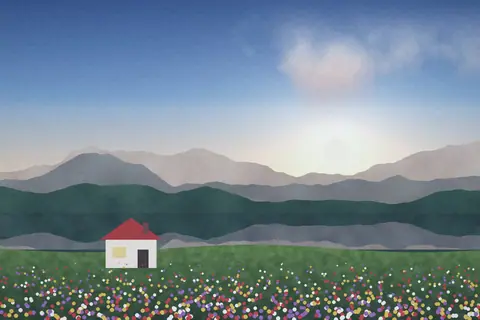
FogCold moody heavy fade
Street
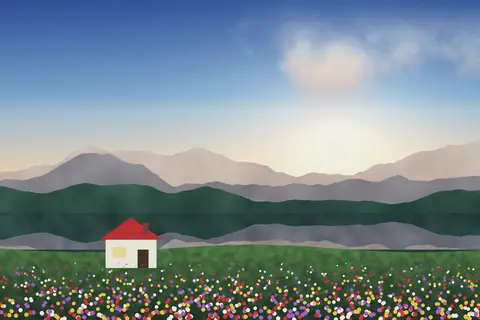
ConcreteMuted crisp urban, minty greens, faint magenta
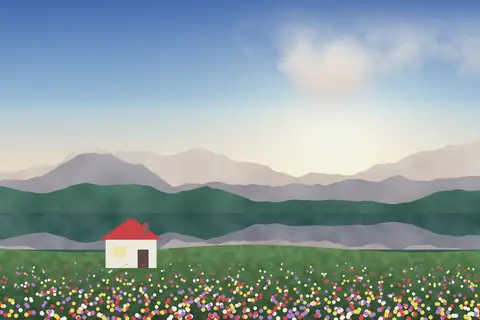
ChalkBright airy pastel, lifted blacks, minty greens
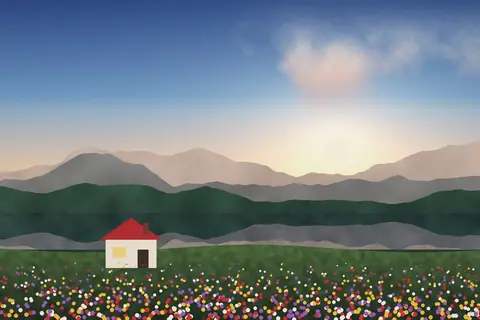
AsphaltDarker natural urban, warm highlights, olive greens
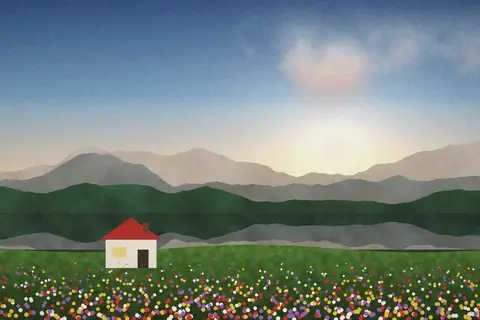
OliveOlive shadows, muted streetwear tones

RustGritty urban, warm oranges, heavy grain
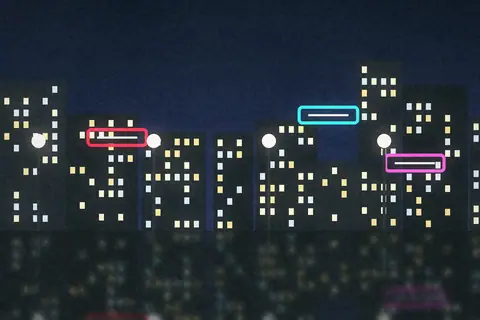
FlashPoint-and-shoot flash, punchy and bright
Soft
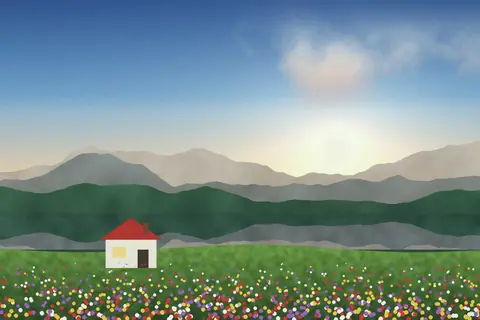
MintAiry minty pastel, teal greens, the popular scanned-film look

SandBeige minimal soft tones

SaltSun-bleached washed-out summer
Instant and experimental
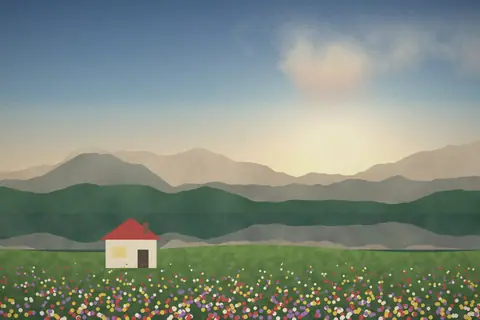
PL600Polaroid 600 styleFaded warm instant photo, soft and vignetted

CrossoverCyan shadows, acid yellow highlights
How to use a film filter
- Open the editor and choose a photo, RAW files included.
- On the Filters tab, tap a look. Hover over one on a computer to preview it.
- Set Filter strength, then fine-tune on the Adjust tab: add grain or halation for more film character.
- Save your photo, or save the look under My looks to use it again.
Take a look anywhere
Every look can be downloaded as a LUT for video or a Lightroom profile, and shared as a link so anyone can try it on their own photo.
Match a photo you love
Don't see the look you want? On the Filters tab, Match a photo takes the colors from any reference photo and applies them to yours, with separate Color and Tone strengths. You can also load your own .cube LUT.
Film names are trademarks of their owners. These looks are our own recipes, made to resemble the films, and are not affiliated with or endorsed by them.