Chalk, a free bright, airy pastel filter
Chalk is bright and airy: lifted blacks, pastel color and minty greens for a light, clean feel.
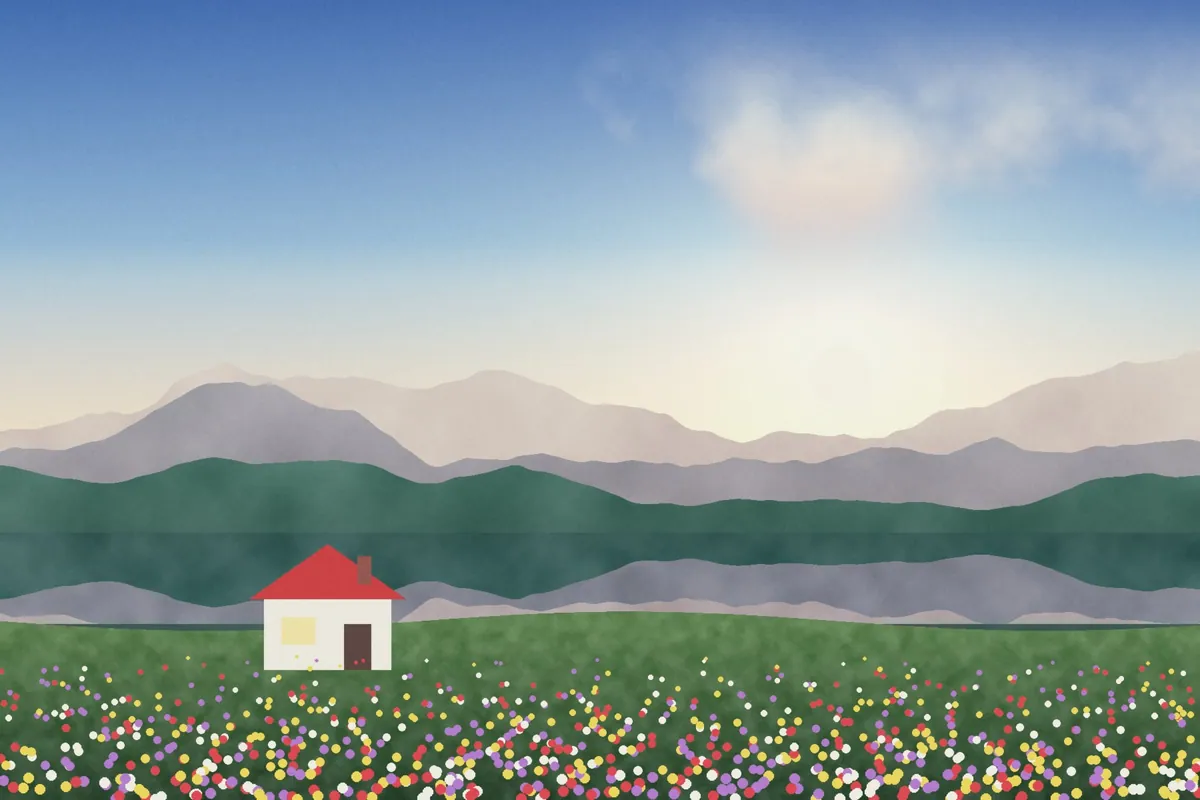
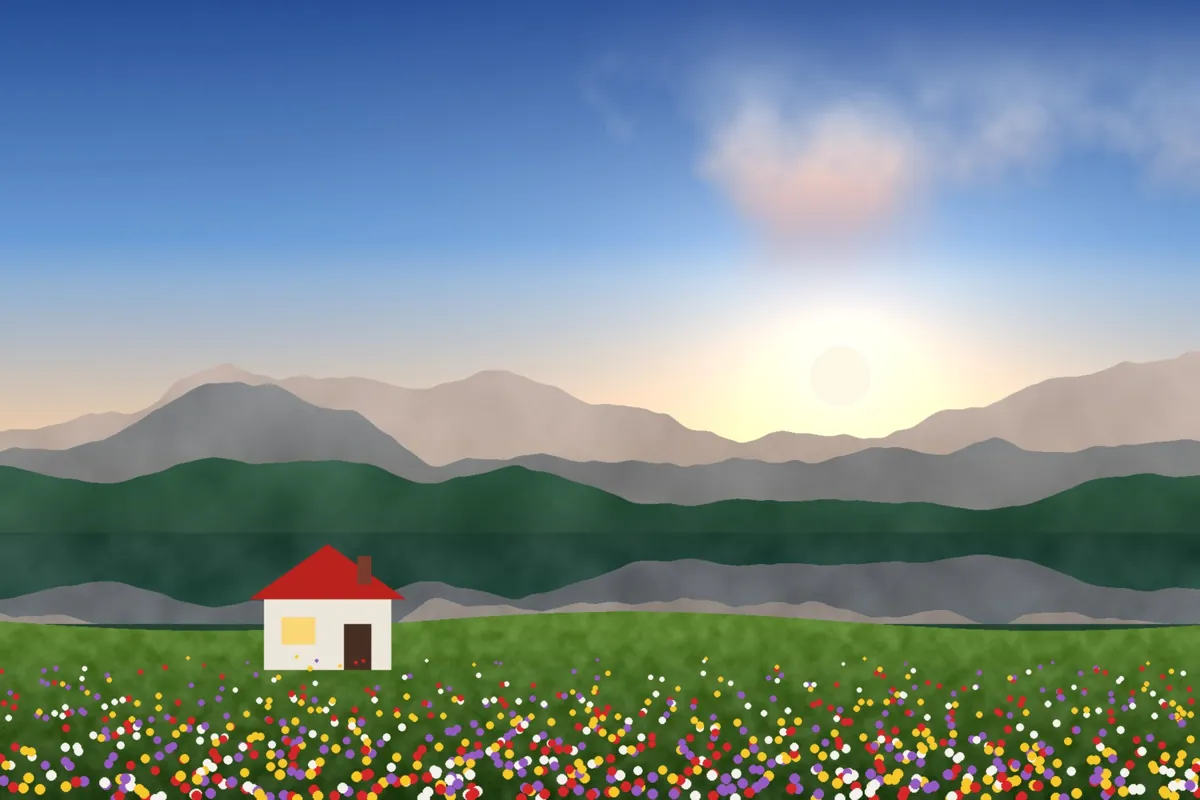
What Chalk looks like
Chalk brightens the image and lifts the blacks into a soft matte, then pulls colors toward pastel. Greens turn minty and whites stay clean.
It's the classic light-and-airy look for lifestyle, fashion and travel photos taken in good light.
Color at a glance
Each pair shows a color before (left) and after (right) Chalk.
Best for
- Lifestyle and fashion
- Beaches and bright travel
- Cafés and interiors
- Flat lays
Tips
- Lower Exposure slightly if highlights lose detail.
- Use it on bright photos: dark photos can look washed out.
- Try Salt for an even more sun-bleached feel.


How to use Chalk
- Click Try Chalk on your photo. The editor opens with Chalk ready.
- Choose a photo, RAW files included. The look is applied as soon as it opens.
- Adjust Filter strength on the Filters tab, and fine-tune with the Adjust tab.
- Save it as JPEG, PNG, WebP or TIFF on the Save tab.
Use Chalk on video and in Lightroom
You can take this look into other apps. Open it, then on the Save tab download it as a LUT (.cube) for Premiere Pro, DaVinci Resolve, Final Cut or CapCut, with versions for log footage, or as a Lightroom profile with an Amount slider. Both carry the look's color; add grain and glow in the other app.
Open Chalk to make a LUT · Open Chalk to make a Lightroom profile