Concrete, a free muted urban street filter
Concrete is a crisp, muted city look with minty greens and a faint magenta tint, made for street photography and urban scenes.
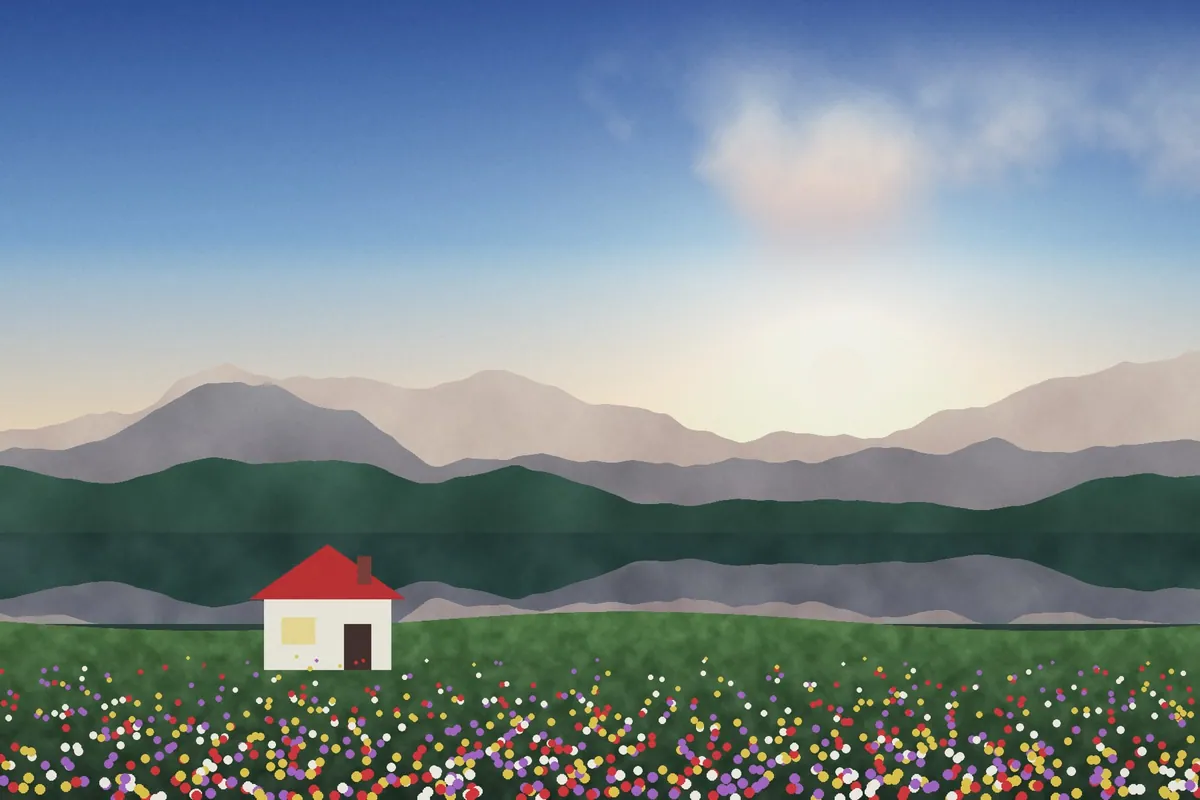
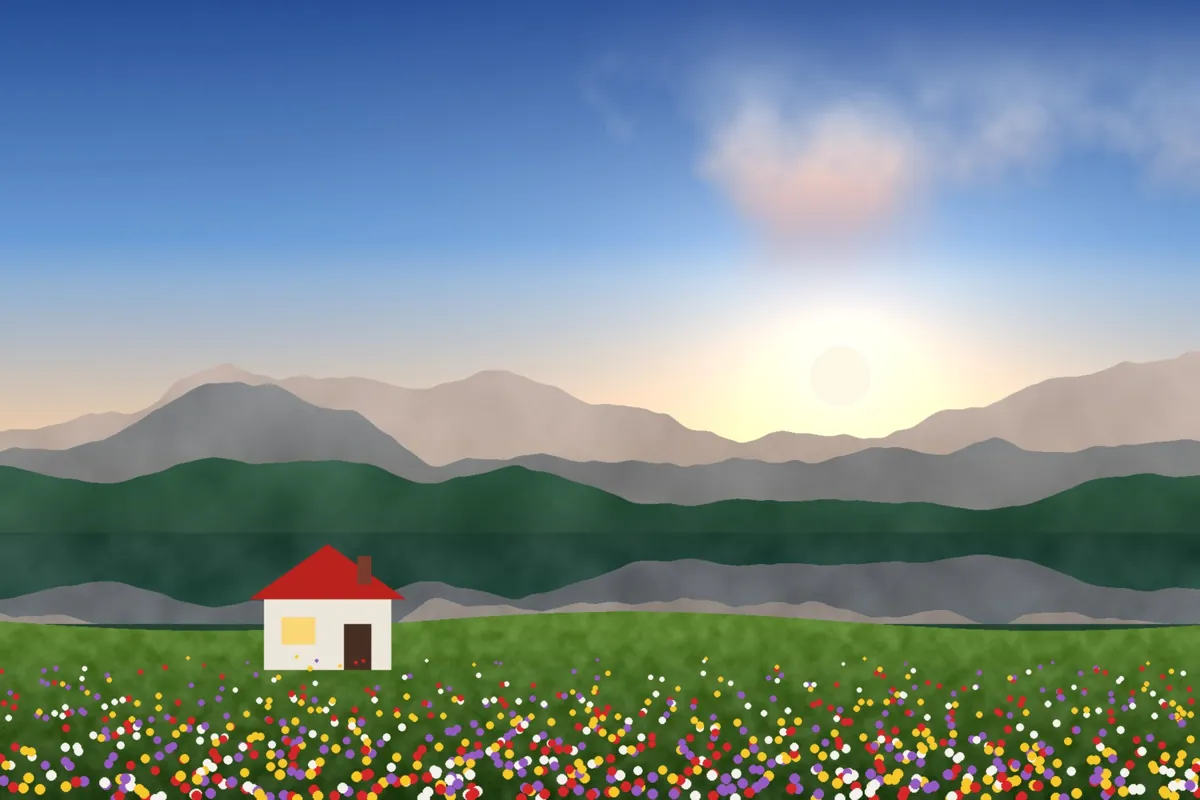
What Concrete looks like
Concrete tones down loud colors, keeps edges crisp and shifts greens toward mint while adding a subtle magenta cast to the neutrals. It's the look of modern street photography and streetwear lookbooks.
It works on busy city scenes, making them feel cohesive rather than chaotic, and it's a good base for a consistent urban feed.
Color at a glance
Each pair shows a color before (left) and after (right) Concrete.
Best for
- Street photography
- Architecture and city scenes
- Streetwear and fashion
- Urban travel
Tips
- Add Acutance around 15 for extra edge crispness.
- Apply it to a whole set with Apply these edits to all photos.
- Try Asphalt for a darker, warmer version.
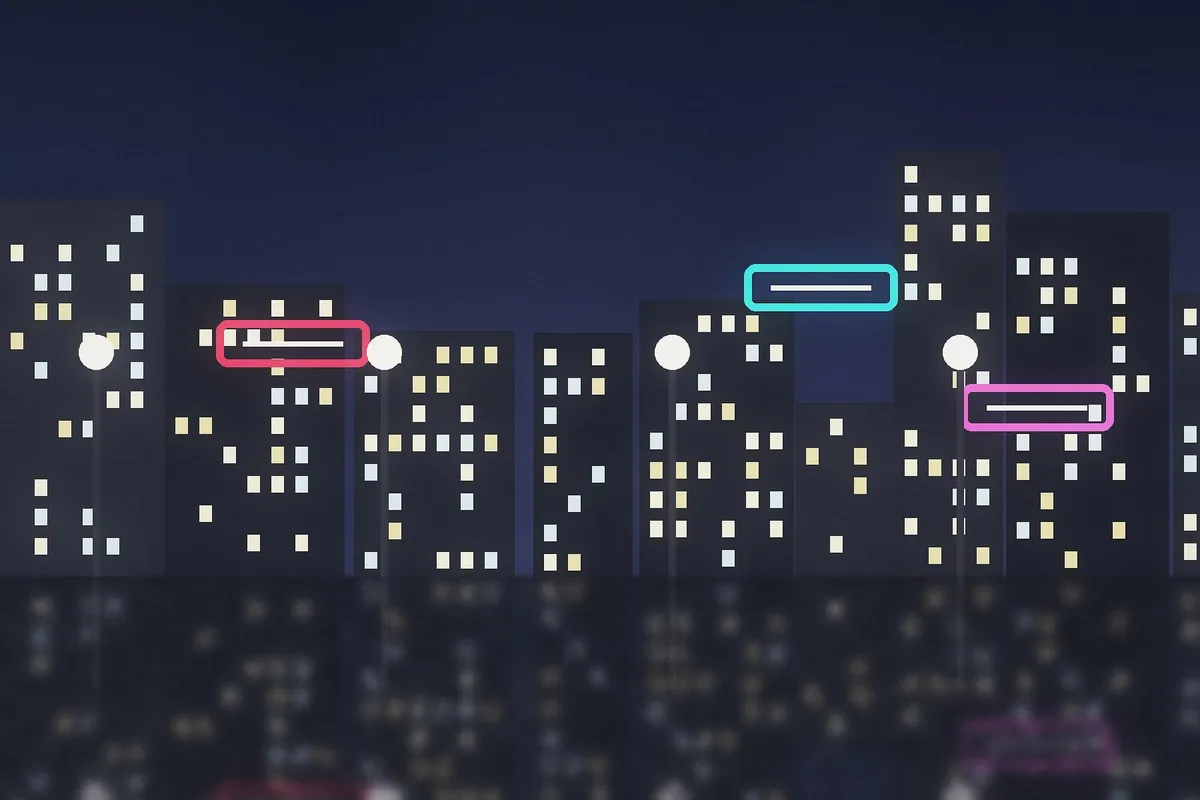
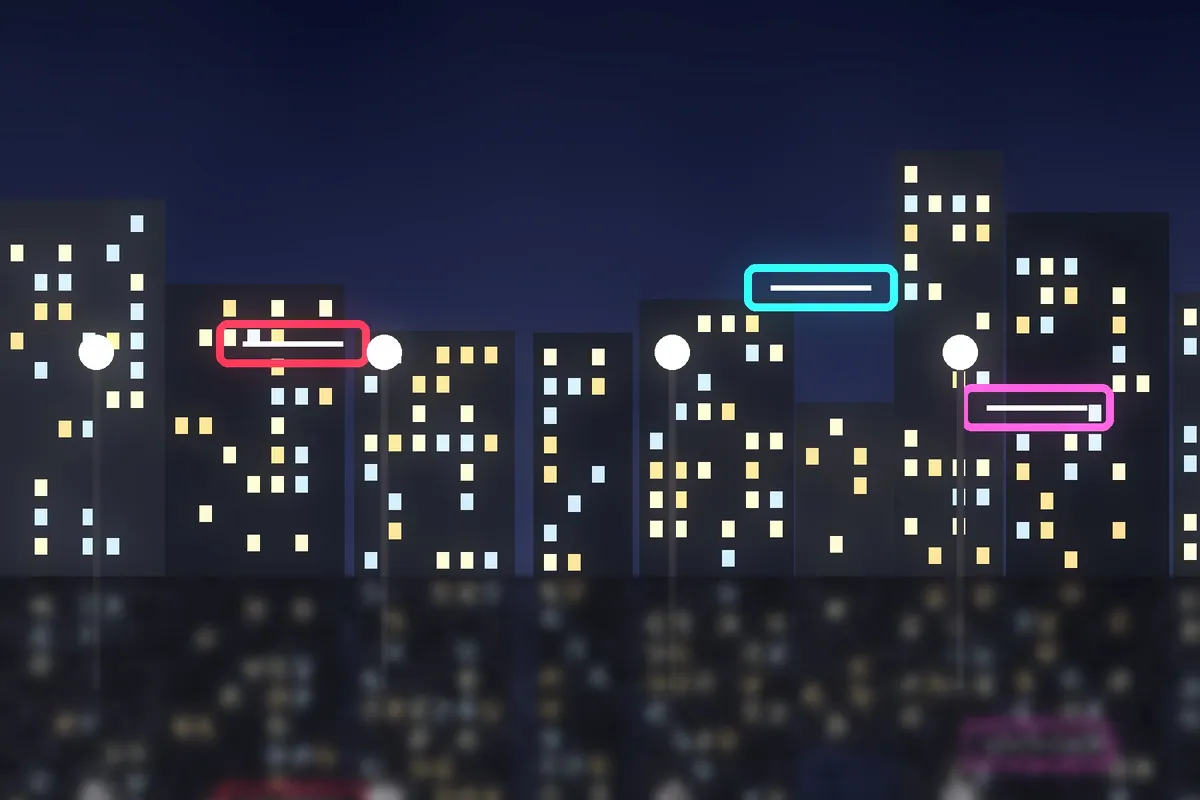
How to use Concrete
- Click Try Concrete on your photo. The editor opens with Concrete ready.
- Choose a photo, RAW files included. The look is applied as soon as it opens.
- Adjust Filter strength on the Filters tab, and fine-tune with the Adjust tab.
- Save it as JPEG, PNG, WebP or TIFF on the Save tab.
Use Concrete on video and in Lightroom
You can take this look into other apps. Open it, then on the Save tab download it as a LUT (.cube) for Premiere Pro, DaVinci Resolve, Final Cut or CapCut, with versions for log footage, or as a Lightroom profile with an Amount slider. Both carry the look's color; add grain and glow in the other app.
Open Concrete to make a LUT · Open Concrete to make a Lightroom profile