Make a LUT from a photo edit, free
Edit a photo until it looks right, then download that look as a .cube LUT for your video editor, including versions for camera log footage.
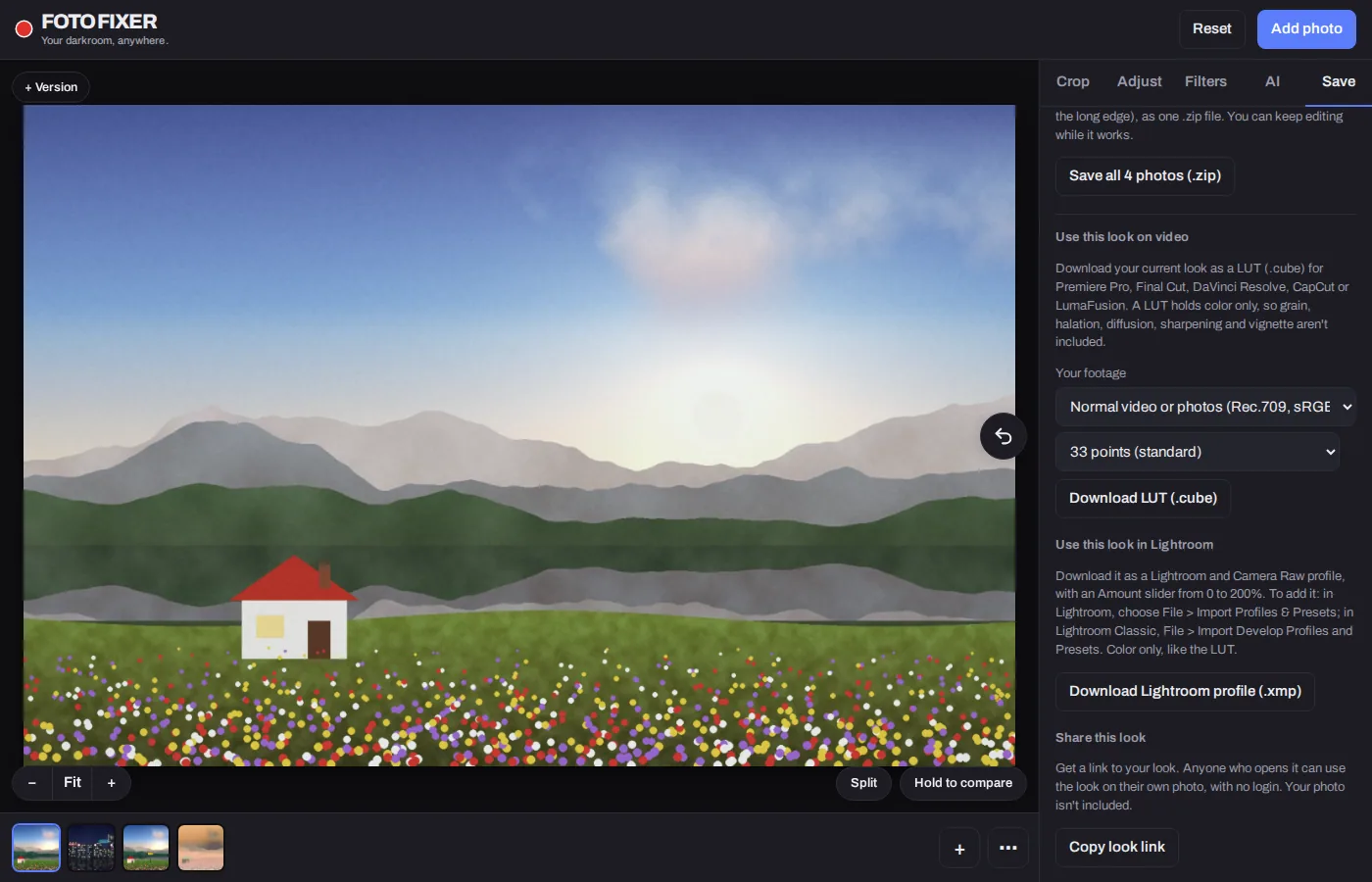
How to make a LUT from a photo
- Click Make a LUT and open a still from your footage, or any photo.
- Build your look with a film look, color grading wheels, curves and the color mixer.
- On the Save tab, under Use this look on video, choose your footage type and a LUT size.
- Click Download LUT (.cube) and load it in your video editor.
Footage types
Choose what your camera records, and the LUT converts it to normal color and adds your look in one step:
- Normal video or photos (Rec.709, sRGB)
- Sony S-Log3 (S-Gamut3.Cine)
- ARRI LogC3 (Wide Gamut 3, EI 800)
- ARRI LogC4 (Wide Gamut 4)
- Panasonic V-Log (V-Gamut)
- Canon Log 3 (Cinema Gamut)
- Fujifilm F-Log2 (F-Gamut)
- Nikon N-Log (N-Gamut)
- iPhone Apple Log
- DJI D-Log (D-Gamut)
For log footage, put the LUT on the clip itself, with nothing converting it before.
LUT sizes
- 17 points: small, for camera monitors and on-set displays.
- 33 points: the standard, for editing apps.
- 65 points: high precision, for grading.
Where it works
The .cube format works in Premiere Pro, Final Cut Pro, DaVinci Resolve, CapCut, LumaFusion and most other editors, cameras and monitors that accept LUTs.
What a LUT can and can't hold
A LUT maps colors to colors, so it carries color, contrast and tone. Grain, halation, diffusion, sharpening and vignette depend on neighboring pixels, so they aren't included. Add those in your video editor.
Questions
Is it free?
Yes. No account and no limits.
Can I use the film looks as LUTs?
Yes. Apply any of the 35 film looks, then download it as a LUT. Each look page has a link that opens it ready to export.
Can I also use the look in Lightroom?
Yes. Download it as a Lightroom profile from the same tab.
Can I load a LUT I already have?
Yes. On the Filters tab, Load a LUT (.cube) applies any .cube LUT to your photo, with a strength slider.