Sand, a free beige minimal filter
Sand gives your photos soft beige tones and a minimal, neutral aesthetic.
Try Sand on your photoFree · No login · Your photo stays on your device
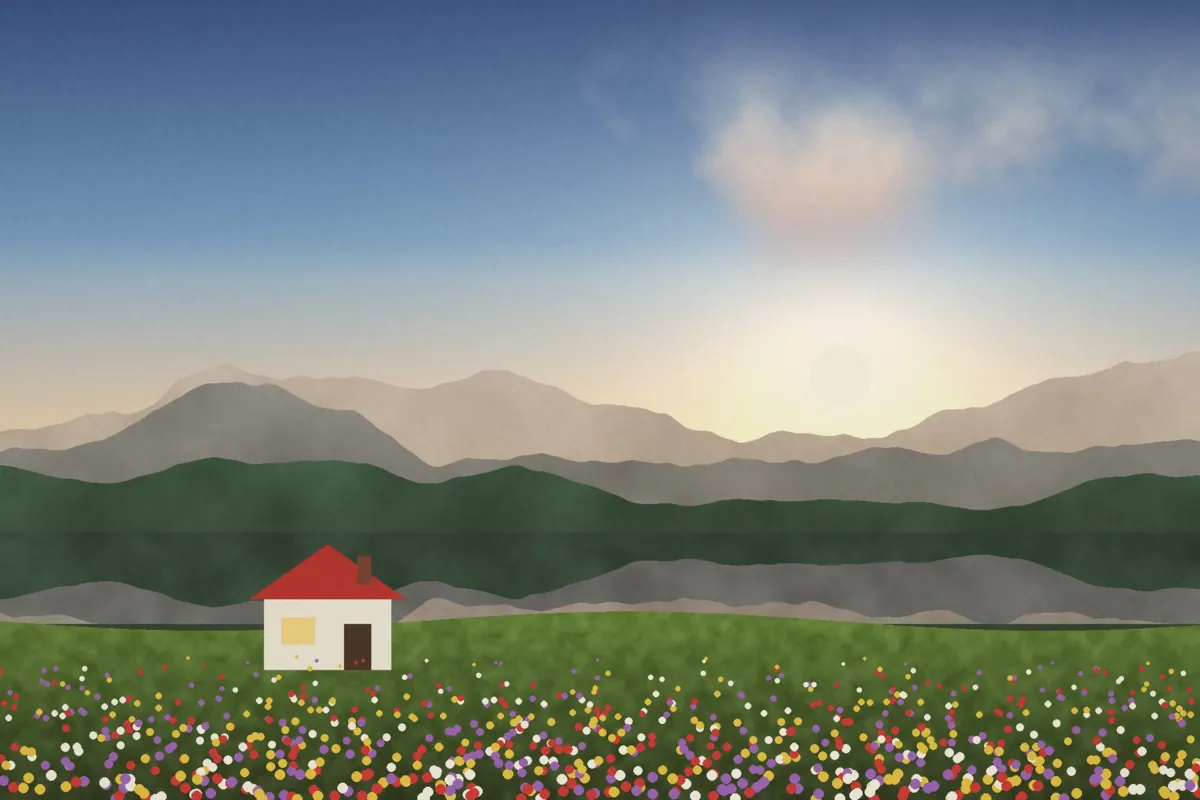
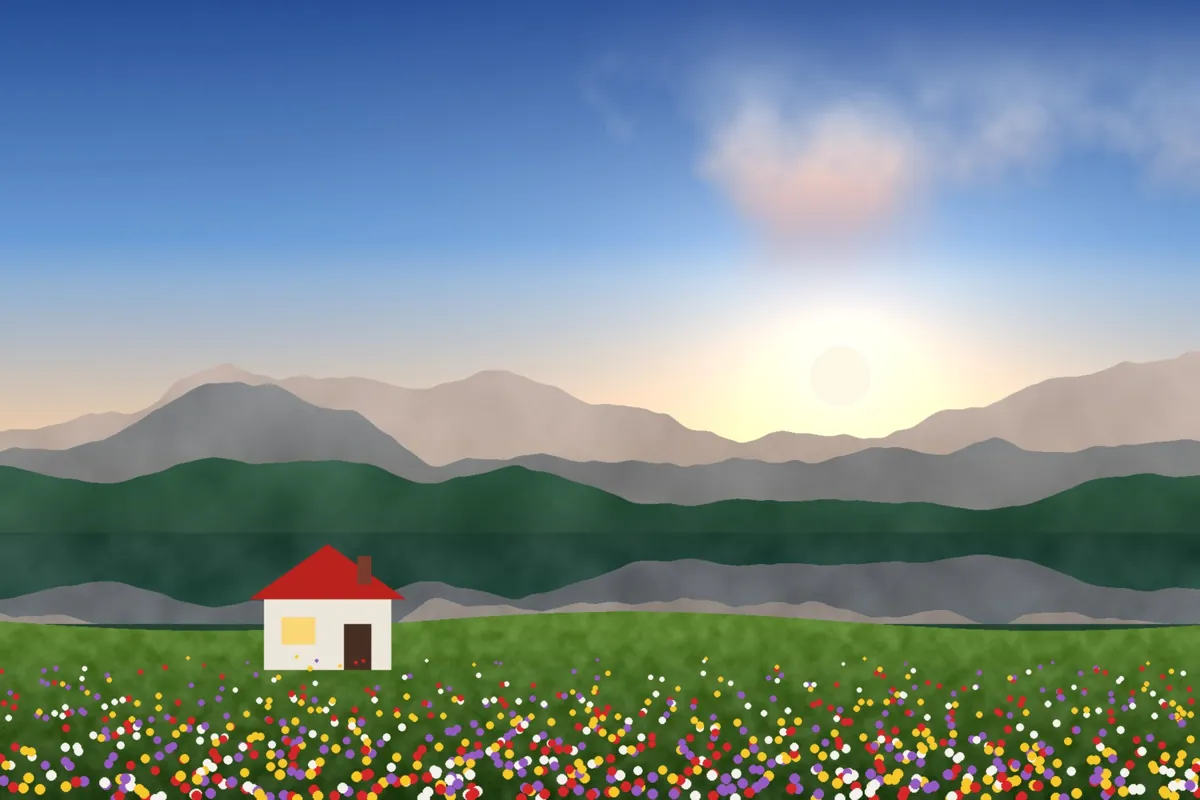
What Sand looks like
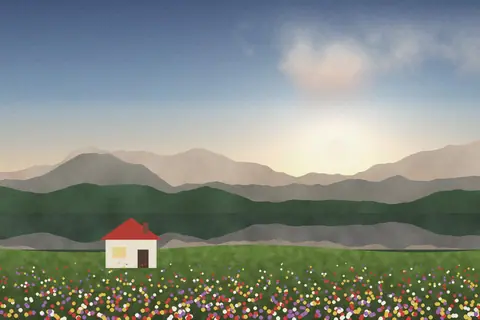
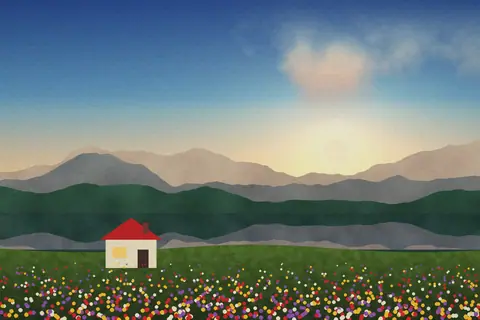
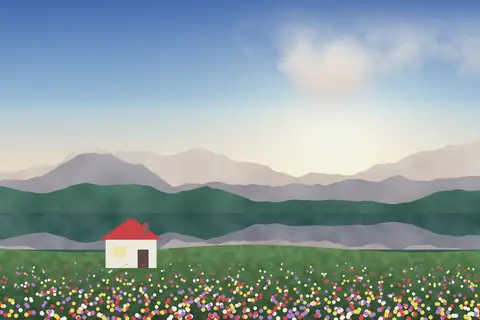
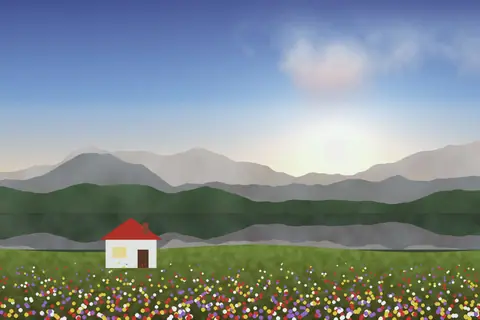
Sand mutes strong colors and pulls the palette toward warm neutrals: beige, cream and soft brown. Contrast stays gentle, so images feel calm and cohesive.
It's a favorite for interiors, home and lifestyle content, fashion basics and minimalist feeds.
Color at a glance
Each pair shows a color before (left) and after (right) Sand.
Light skin
Medium skin
Deep skin
Sky
Foliage
Red
Yellow
Teal
Shadows
Midtones
Highlights
Best for
- Interiors and home
- Lifestyle and fashion basics
- Product photos
- Minimal feeds
Tips
- Use it on a whole set for a consistent neutral feed.
- Lower Filter strength on skin-heavy portraits.
- Try Salt for a brighter, beachier version.


How to use Sand
- Click Try Sand on your photo. The editor opens with Sand ready.
- Choose a photo, RAW files included. The look is applied as soon as it opens.
- Adjust Filter strength on the Filters tab, and fine-tune with the Adjust tab.
- Save it as JPEG, PNG, WebP or TIFF on the Save tab.
Use Sand on video and in Lightroom
You can take this look into other apps. Open it, then on the Save tab download it as a LUT (.cube) for Premiere Pro, DaVinci Resolve, Final Cut or CapCut, with versions for log footage, or as a Lightroom profile with an Amount slider. Both carry the look's color; add grain and glow in the other app.
Open Sand to make a LUT · Open Sand to make a Lightroom profile