Amber, a free golden vintage film filter
Amber bathes your photo in golden, vintage color, with warm yellow highlights like an old print left in the sun.
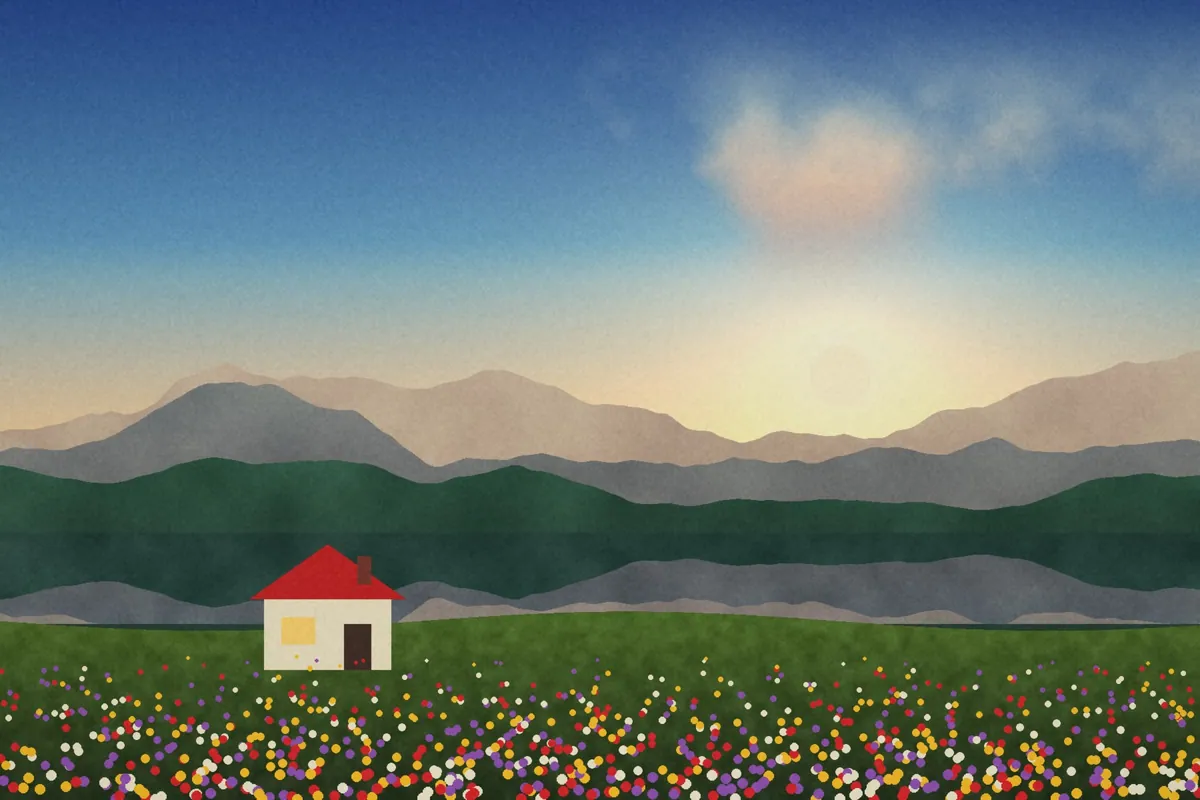
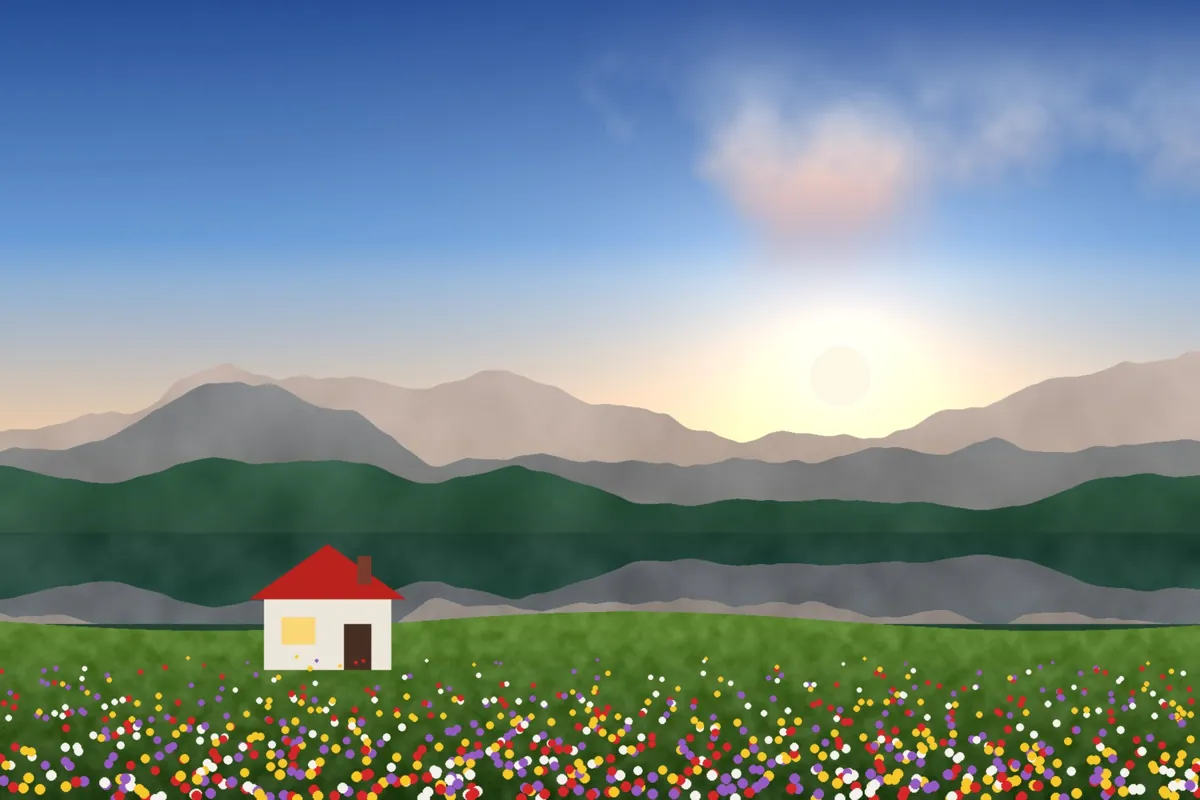
What Amber looks like
Amber leans further into warmth than our other film looks. Highlights turn golden yellow, midtones warm up and blues quiet down, giving photos a retro, late-summer mood.
It suits nostalgic subjects and warm light. On cool or overcast photos it adds instant warmth, though it can look heavy if the photo is already very yellow.
Color at a glance
Each pair shows a color before (left) and after (right) Amber.
Best for
- Retro and nostalgic edits
- Autumn and late summer
- Warm interiors
- Sunset portraits
Tips
- Lower Filter strength to 60 to 80 on photos that are already warm.
- Add Fade around 15 and Grain around 20 for an aged print.
- Compare it with G200, which is warm but cleaner.


How to use Amber
- Click Try Amber on your photo. The editor opens with Amber ready.
- Choose a photo, RAW files included. The look is applied as soon as it opens.
- Adjust Filter strength on the Filters tab, and fine-tune with the Adjust tab.
- Save it as JPEG, PNG, WebP or TIFF on the Save tab.
Use Amber on video and in Lightroom
You can take this look into other apps. Open it, then on the Save tab download it as a LUT (.cube) for Premiere Pro, DaVinci Resolve, Final Cut or CapCut, with versions for log footage, or as a Lightroom profile with an Amount slider. Both carry the look's color; add grain and glow in the other app.
Open Amber to make a LUT · Open Amber to make a Lightroom profile