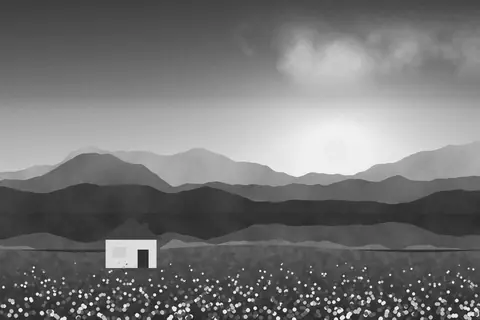
Fog, a free cold moody faded filter
Fog is cold, faded and atmospheric: lifted blacks, cool tones and a misty, melancholy mood.
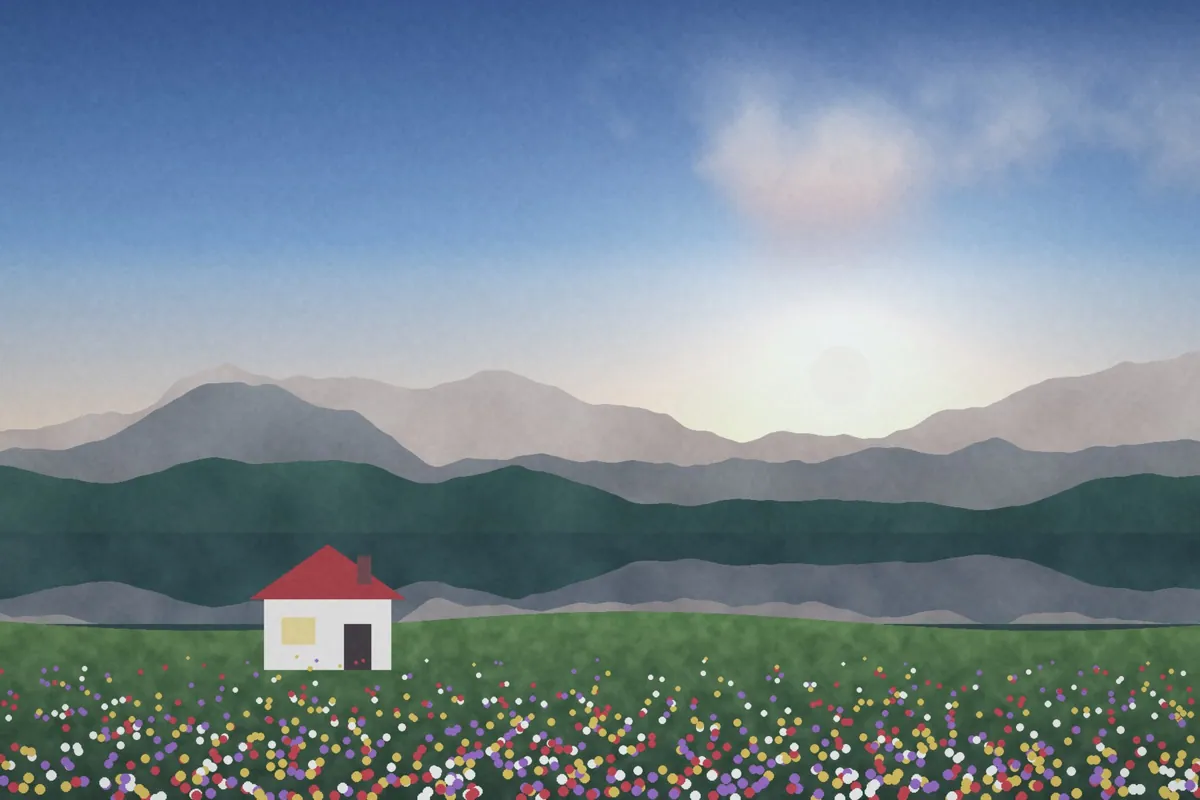
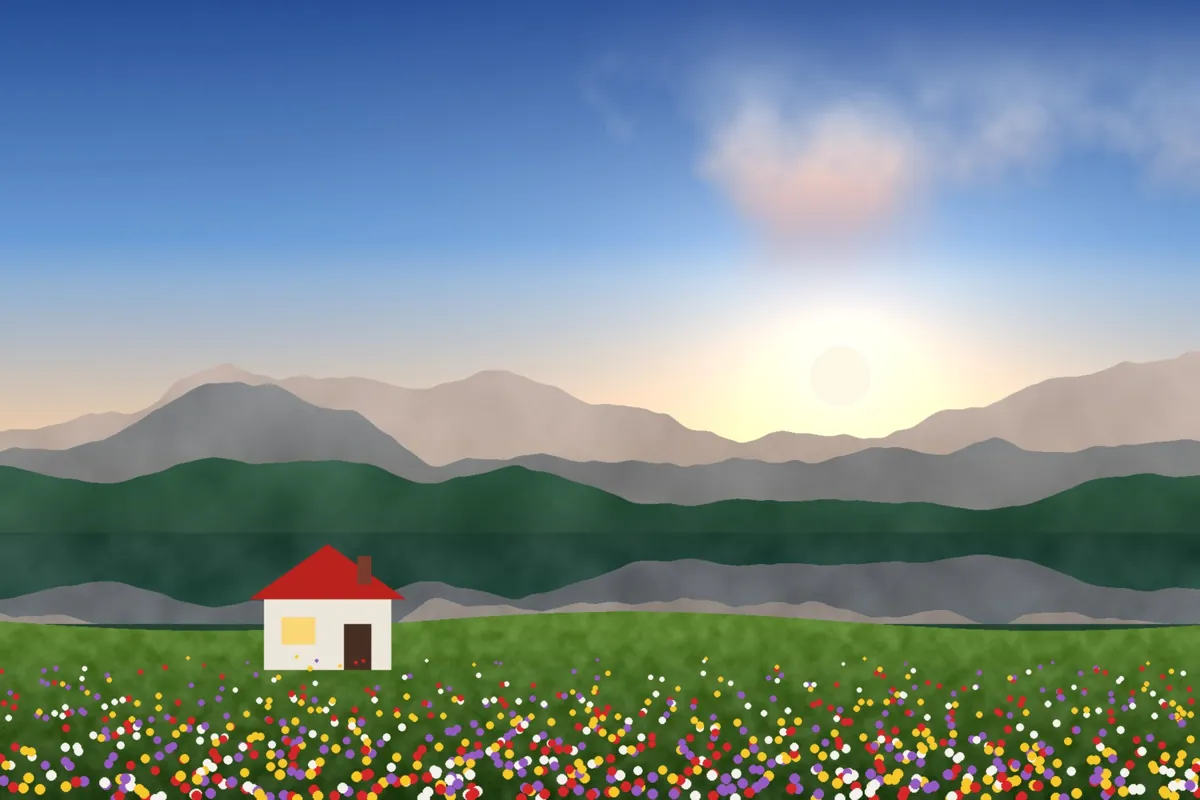
What Fog looks like
Fog washes the shadows into a heavy fade and cools the whole image. It flattens contrast like a misty morning and pushes colors toward slate and blue-gray.
It's a natural fit for winter, coastlines, forests and overcast days, and for anyone who wants their feed to feel calm and moody.
Color at a glance
Each pair shows a color before (left) and after (right) Fog.
Best for
- Winter and snow
- Coast and sea
- Forests and mist
- Overcast cityscapes
Tips
- Add Grain around 20 for a textured, filmic fog.
- Lower Fade on the Adjust tab after applying if the blacks get too gray.
- Try Shade for darker, deeper shadows.


How to use Fog
- Click Try Fog on your photo. The editor opens with Fog ready.
- Choose a photo, RAW files included. The look is applied as soon as it opens.
- Adjust Filter strength on the Filters tab, and fine-tune with the Adjust tab.
- Save it as JPEG, PNG, WebP or TIFF on the Save tab.
Use Fog on video and in Lightroom
You can take this look into other apps. Open it, then on the Save tab download it as a LUT (.cube) for Premiere Pro, DaVinci Resolve, Final Cut or CapCut, with versions for log footage, or as a Lightroom profile with an Amount slider. Both carry the look's color; add grain and glow in the other app.
Open Fog to make a LUT · Open Fog to make a Lightroom profile