Shade, a free dark moody filter
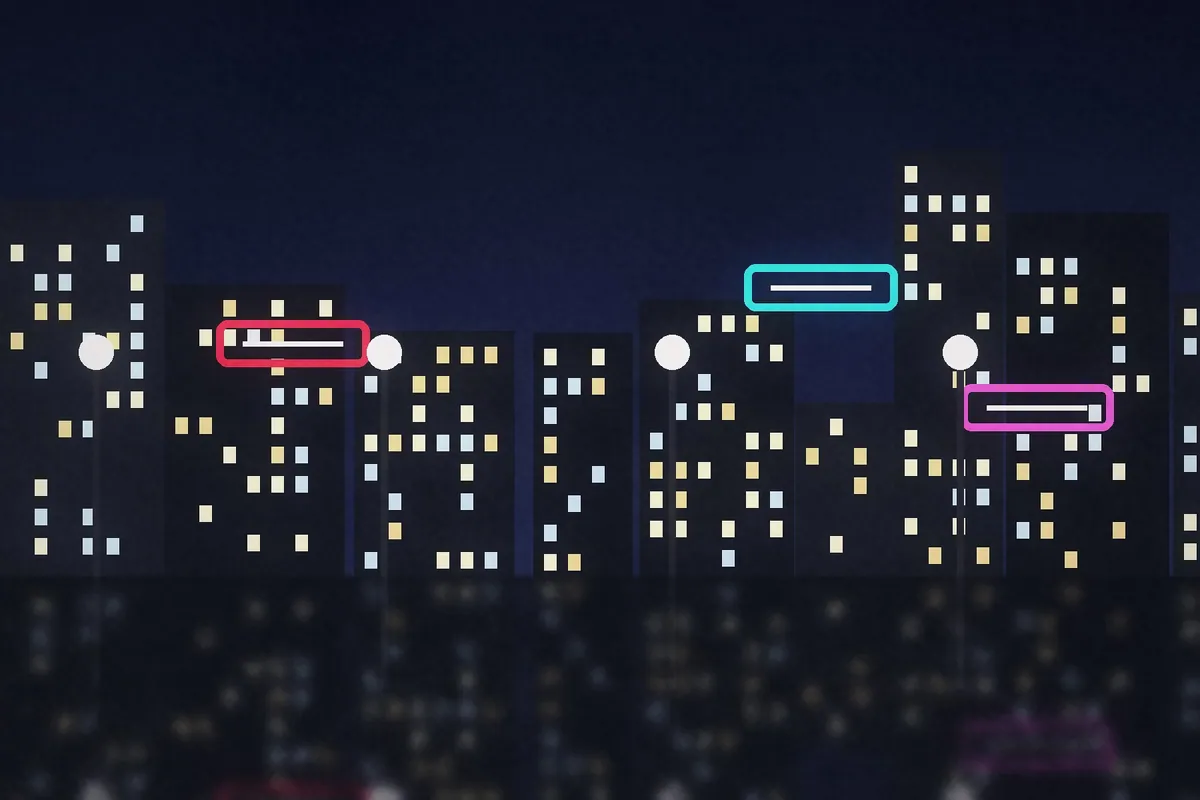
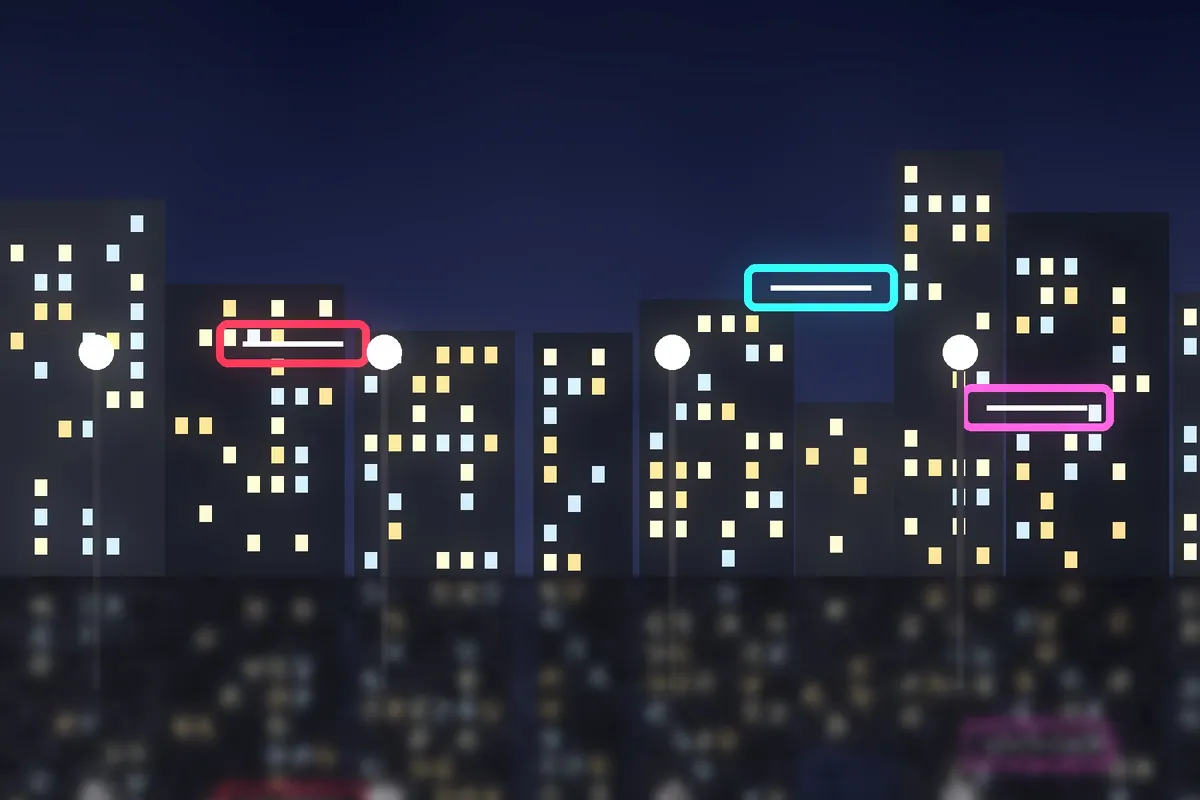
Shade is a dark, low-key look: deep shadows, muted color and a quiet, dramatic mood.
What Shade looks like
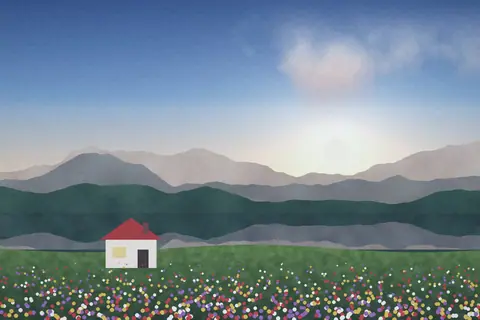
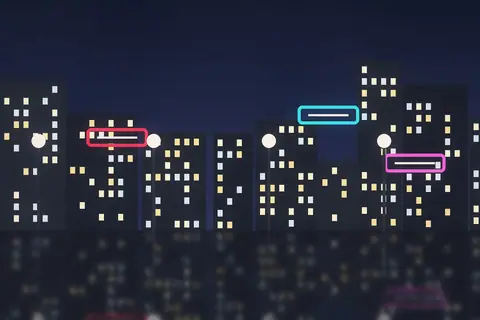
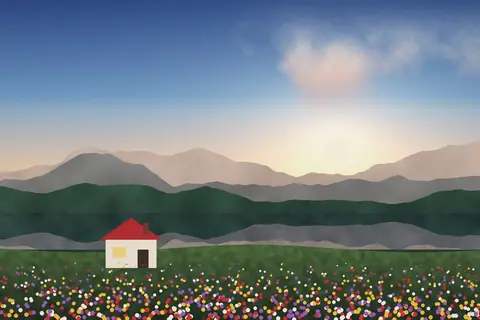
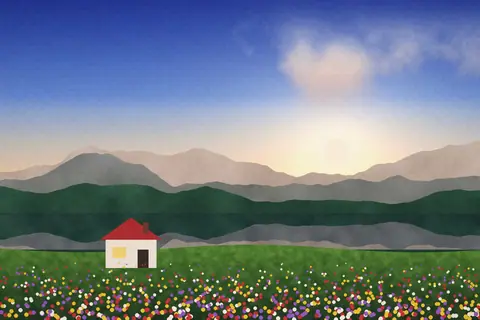
Shade pulls the image down into the shadows and mutes the color, so light becomes the subject. It suits photos with a strong light source, like a window, a street lamp or a sunbeam.
Use it for moody portraits, night streets, food with directional light, or any photo you want to feel more cinematic and serious.
Color at a glance
Each pair shows a color before (left) and after (right) Shade.
Best for
- Low-key portraits
- Night streets
- Moody food and still life
- Rainy days
Tips
- Lift Shadows slightly to keep detail in faces.
- Add a Vignette to deepen the mood.
- Try Fog for a colder, more faded mood.
How to use Shade
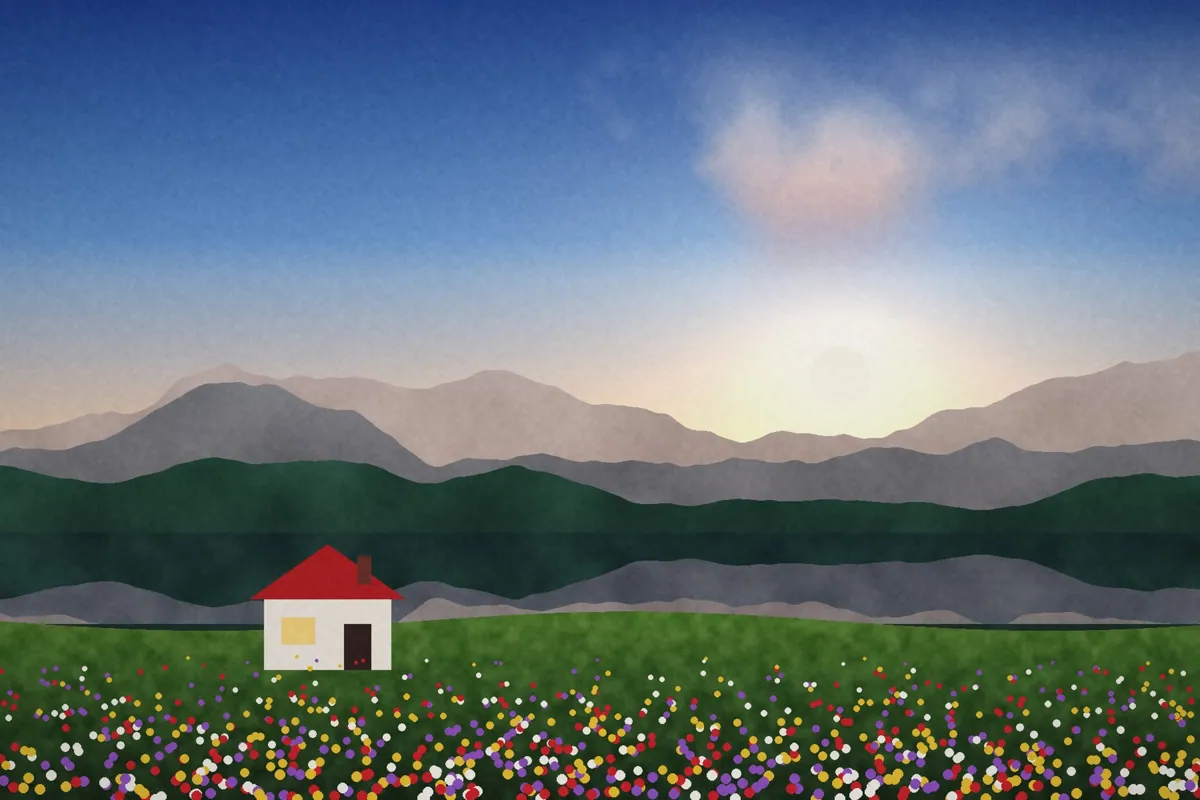
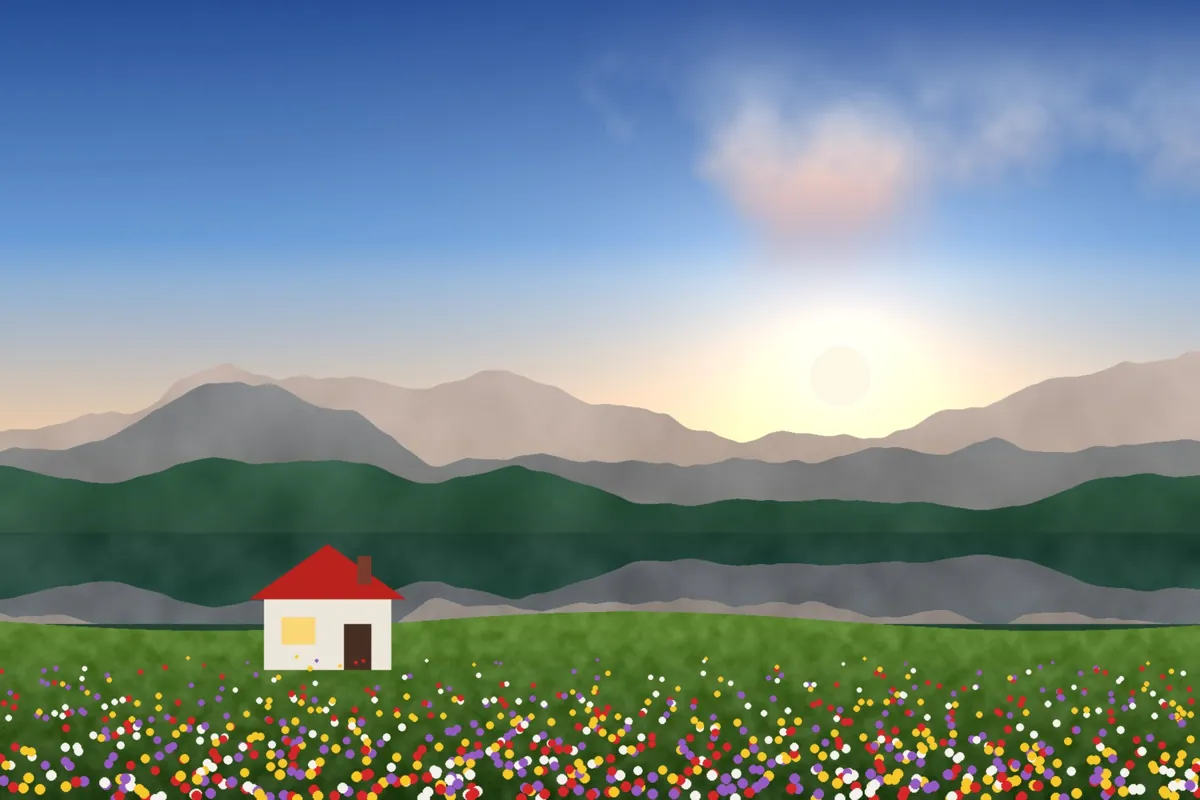
- Click Try Shade on your photo. The editor opens with Shade ready.
- Choose a photo, RAW files included. The look is applied as soon as it opens.
- Adjust Filter strength on the Filters tab, and fine-tune with the Adjust tab.
- Save it as JPEG, PNG, WebP or TIFF on the Save tab.
Use Shade on video and in Lightroom
You can take this look into other apps. Open it, then on the Save tab download it as a LUT (.cube) for Premiere Pro, DaVinci Resolve, Final Cut or CapCut, with versions for log footage, or as a Lightroom profile with an Amount slider. Both carry the look's color; add grain and glow in the other app.
Open Shade to make a LUT · Open Shade to make a Lightroom profile