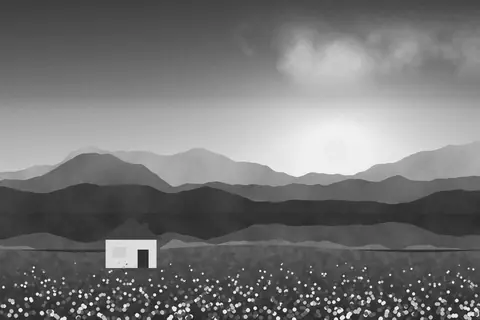
Umber, a free faded matte film filter
Umber is a faded, matte film look: lifted blacks, earthy brown-green foliage and cool shadows, like an old print found in a drawer.
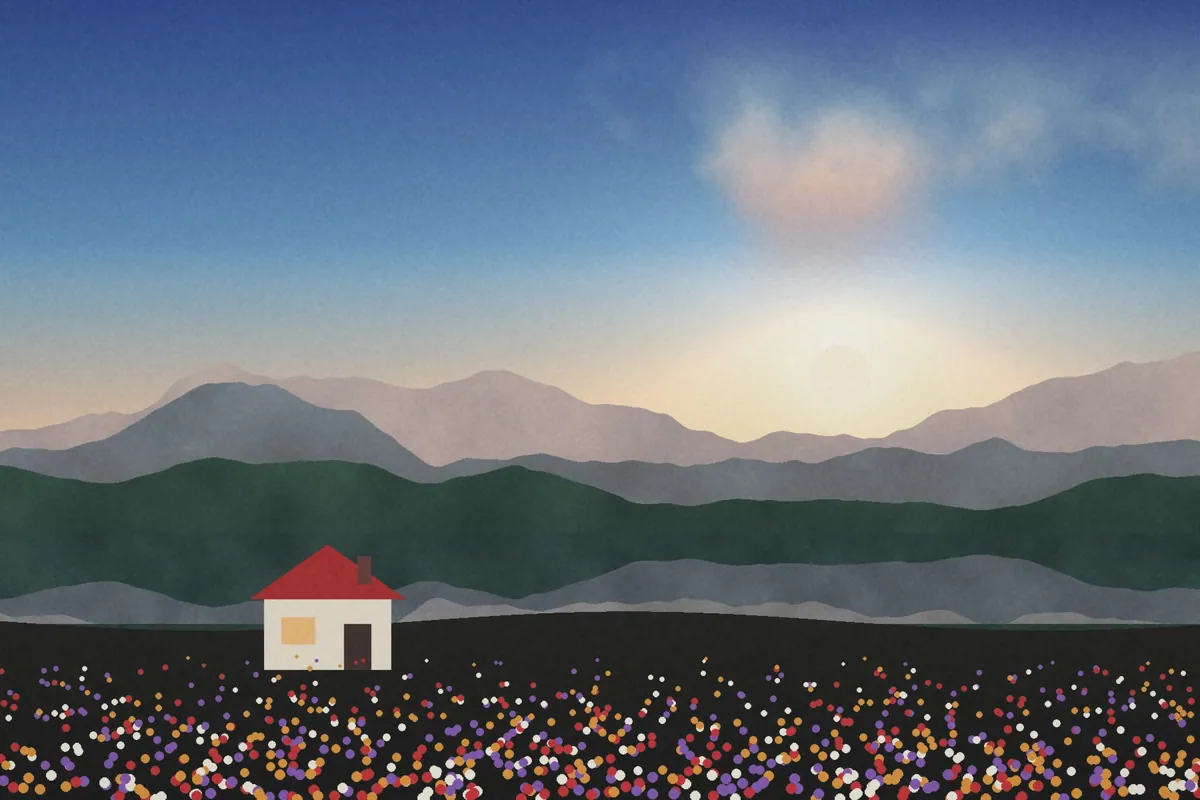
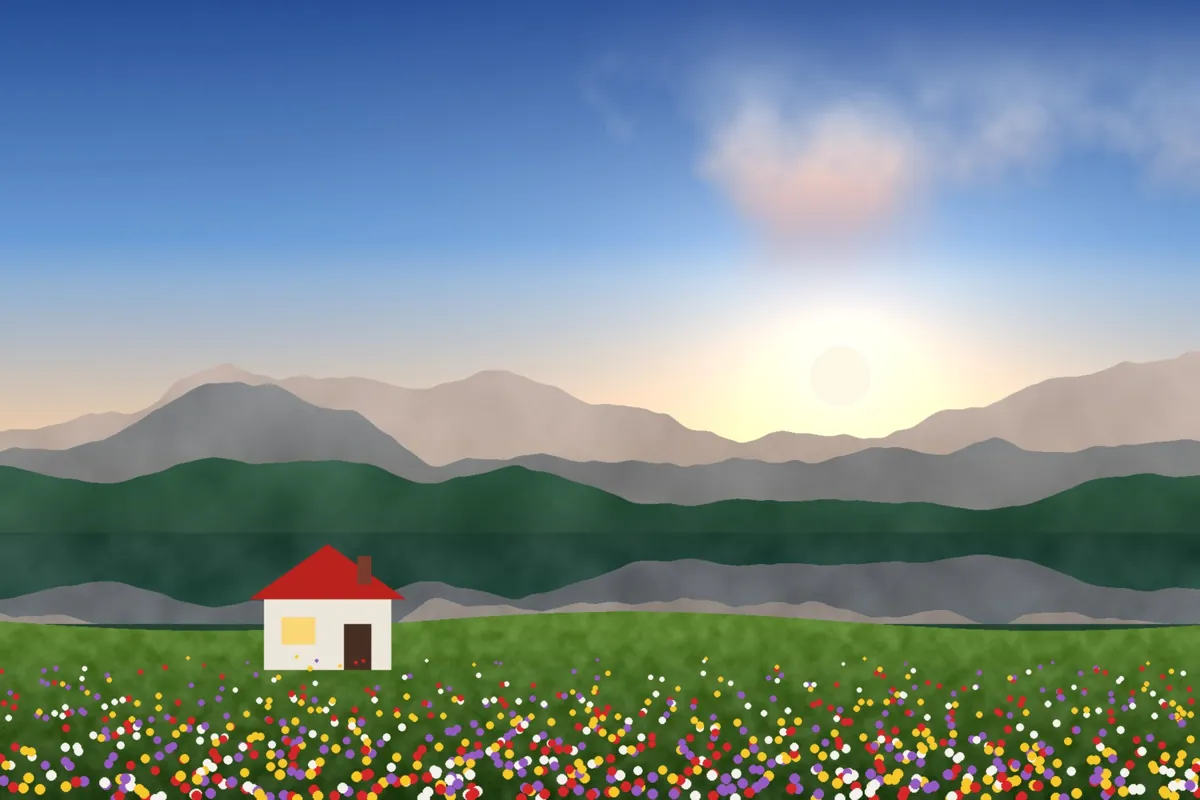
What Umber looks like
Umber softens contrast and lifts the blacks into a matte finish. It shifts greens toward earthy brown and olive, and gives the shadows a slightly cool cast for a quiet, lived-in mood.
It's popular for moody lifestyle, interiors and autumn scenes, and it helps bright, sharp digital photos feel softer and older.
Color at a glance
Each pair shows a color before (left) and after (right) Umber.
Best for
- Lifestyle and interiors
- Autumn and forest scenes
- Moody portraits
- Overly sharp digital photos
Tips
- Add Grain around 20 and Softness around 15 for an aged print.
- If the fade is too much, lower Fade on the Adjust tab after applying.
- Try Olive for a similar mood with more urban punch.


How to use Umber
- Click Try Umber on your photo. The editor opens with Umber ready.
- Choose a photo, RAW files included. The look is applied as soon as it opens.
- Adjust Filter strength on the Filters tab, and fine-tune with the Adjust tab.
- Save it as JPEG, PNG, WebP or TIFF on the Save tab.
Use Umber on video and in Lightroom
You can take this look into other apps. Open it, then on the Save tab download it as a LUT (.cube) for Premiere Pro, DaVinci Resolve, Final Cut or CapCut, with versions for log footage, or as a Lightroom profile with an Amount slider. Both carry the look's color; add grain and glow in the other app.
Open Umber to make a LUT · Open Umber to make a Lightroom profile